
Set up a new nest app
Install Dependencies
Install your packages.Be sure to install the correct ORM package!
Generate the Module
From the root of your project run:Create the Entity
From the root of your project run:src/todo-item/todo-item.entity.ts.
- TypeOrm
- Sequelize
- Mongoose
- Typegoose
Create the DTO
The DTO (Data Transfer Object) is used by the resolver to represent incoming requests and outgoing responses. The DTO is where you can:- Define fields that should be rendered by graphql.
- Define fields that should be filterable using the
@FilterableFielddecorator. - Define validation that will be used by mutations.
graphql vs the persistence layer. However, you can combine the two into a single class.
From the root of your project run:
src/todo-item/todo-item.dto.ts.
todo-item/todo-item.dto.ts
@FilterableField this will let @ptc-org/nestjs-query-graphql know to allow filtering on the corresponding field. If you just use @Field then you will not be able to filter on the corresponding field.
Create the create DTO class.
From the previously created DTO,@ptc-org/nestjs-query-graphql will automatically create a CreateTodoItem graphql type:
id, created and updated are actually not required when creating a TodoItem: they will be autogenerated. We only need to provide title and completed. To create a DTO that does not require these fields, we can create a custom create DTO:
todo-item/todo-item.create.dto.ts
Wire everything up.
Update thetodo-item.module to set up the NestjsQueryGraphQLModule and the entities to provide a QueryService.
The NestjsQueryGraphQLModule will automatically create a Resolver that will expose the following queries and mutations:
Queries
todoItems- find multipleTodoItems.todoItem- find oneTodoItem.
createManyTodoItems- create multipleTodoItems.createOneTodoItems- create oneTodoItem.updateManyTodoItems- update multipleTodoItems.updateOneTodoItems- update oneTodoItem.deleteManyTodoItems- delete multipleTodoItemss.deleteOneTodoItems- delete oneTodoItem.
- TypeOrm
- Sequelize
- Mongoose
- Typegoose
app.module to set up your db connection and the graphql nest modules.
- TypeOrm
- Sequelize
- Mongoose
- Typegoose
- Example
compose.yml file in the root of the project
Running the Example
Start the backing services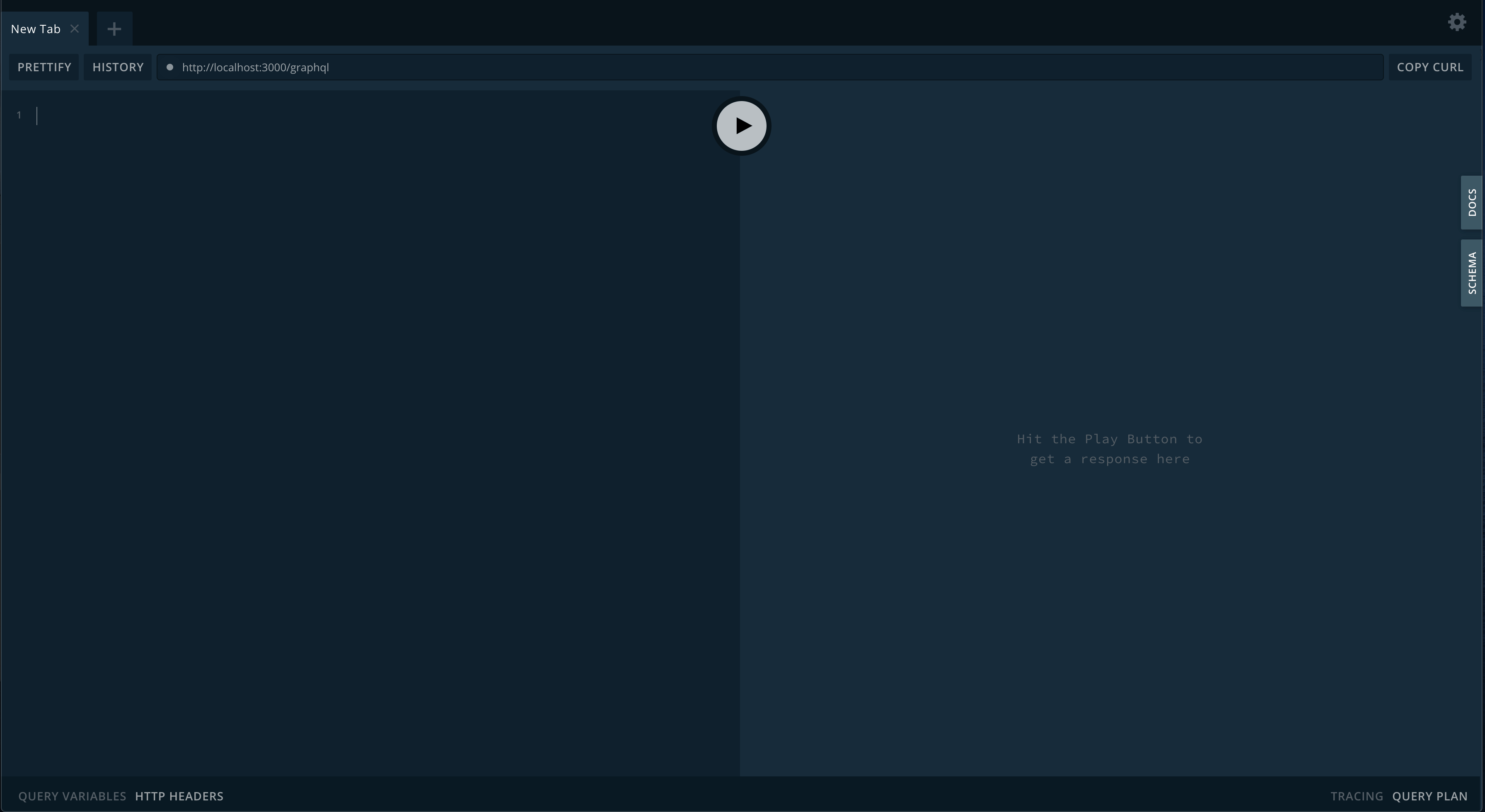
Exploring The GraphQL Endpoint
Create a TodoItem
- GraphQL
- Response
Create Multiple TodoItems
- GraphQL
- Response
Query For Multiple TodoItems
Query for all todo items
- GraphQL
- Response
Query for completed todo items
- GraphQL
- Response
Query For One TodoItem
Query by id
- GraphQL
- Response
Update a TodoItem
Lets update the completedTodoItem we created earlier to not be completed.
- GraphQL
- Response
Update Multiple TodoItems
Lets update the completedTodoItem we created earlier to not be completed.
- GraphQL
- Response
Delete One TodoItem
Lets update delete the firstTodoItem.
- GraphQL
- Response
Delete Many TodoItems
Lets update delete the create many todo itemsTodoItem using a filter.
- GraphQL
- Response